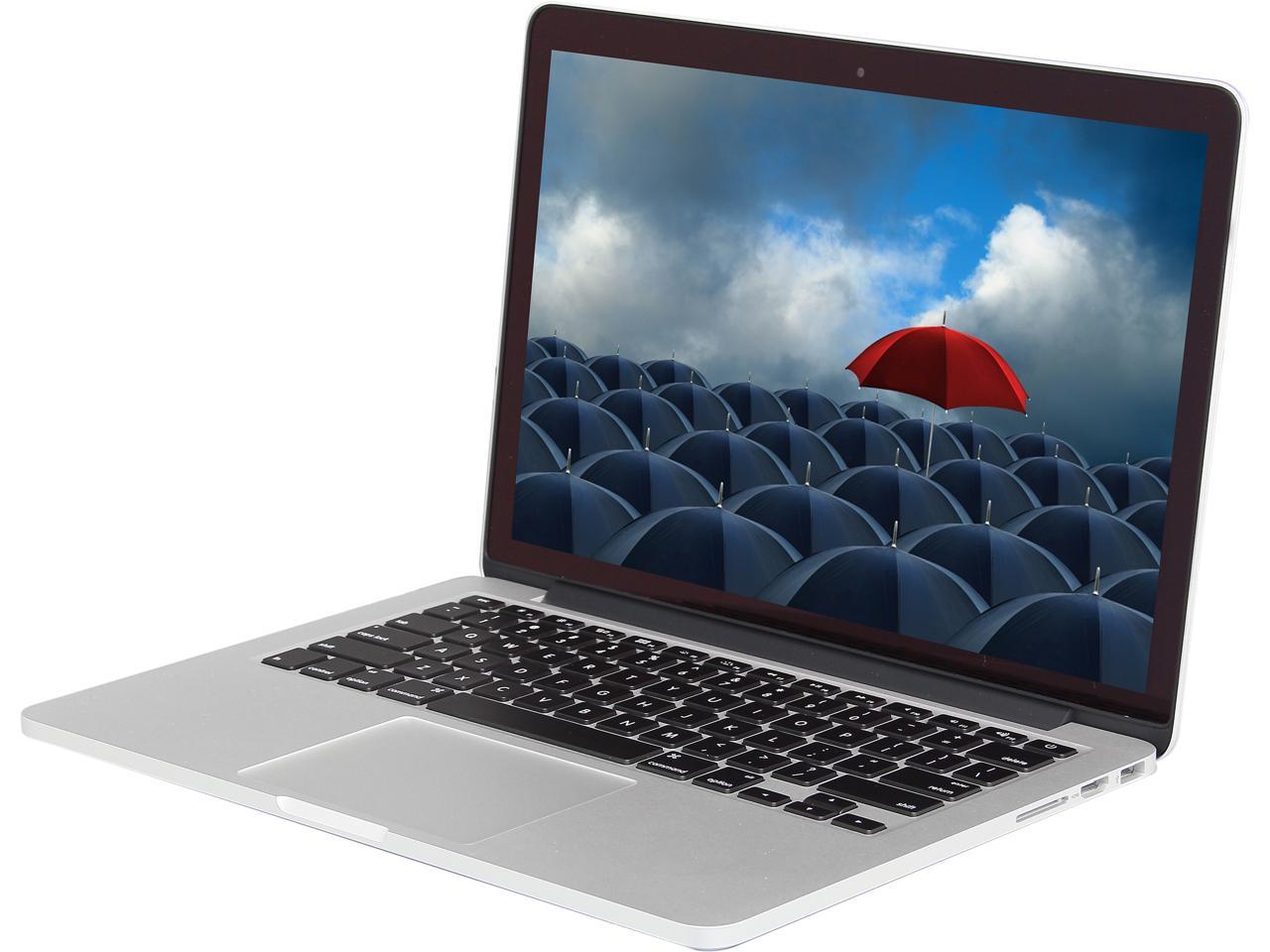
Macbook Laptop

About

An Apple MacBook Air or MacBook Pro laptop computer equipped with a charger in a messenger carrying bag.  View the associated software by choosing Tisch Lending Macs in this document.  

Tisch Mac Loaner Laptop Software

  • Alertus Desktop
  • Box Drive
  • Google Chrome
  • Microsoft Office (W
  • Microsoft Teams
  • Mozilla Firefox
  • Omnissa Horizon Client
  • Zoom

More applications are available for download through Tufts Self Service. If you need an academic software not in either location, please visit the TTS walk-up desk for approval during walk-up desk hours.

Special note for users
This item is available only to undergraduate and graduate students.
Location
Tisch

Tufts undergraduate and graduate students can check out equipment by visiting the Tisch Library Information and Circulation Desk. Most laptops are loaned to users for up to 7 days, with a select few laptops loaning for up to 4 hours. Equipment must be returned to the Tisch Information and Circulation Desk. Laptops cannot be renewed.  If there are others available upon return, you make take out another laptop for its 7-day loan period.

Tisch Library Policies

Conditions of Use

  • Sign the Laptop Loan Agreement each semester.
  • Handle the equipment carefully.
  • All equipment should be returned in the condition it was received.
  • All equipment must be returned to the Tisch Library Information and Circulation Desk, not through the book drop.
  • Equipment borrower assumes full responsibility for damage, loss, or theft.

Damage, loss, or theft

  • If an item is damaged, lost, or stolen, please contact us at tischfrontline@tufts.edu.  A staff member will reach out to you to discuss appropriate actions.

If you have questions about the equipment, please email tischfrontline@tufts.educall (617) 627-3347, or visit the Tisch Information and Circulation Desk.